

Virtual learning doesn’t have to feel like you’re reinventing the wheel every single day. After several years of families navigating online education, we’ve learned what actually works: a mix of structured routine, intentional social connection, and flexibility when things go sideways. The eight strategies ahead come straight from parents who’ve found their rhythm with K-12 virtual schooling, and they tackle everything from creating a learning space that doesn’t take over your living room to managing screen fatigue without constant battles.
Whether your family chose virtual learning or landed here out of necessity, you’re part of a growing community figuring out the same puzzles. How do you help kids stay engaged through a screen? What do you do when the wifi crashes during a live lesson? How can working parents supervise learning without losing their minds?
The good news? You don’t need a teaching degree or a tech background to make virtual learning work. You just need a handful of practical strategies that address the real challenges: the technical hiccups, the isolation, the blurred lines between school and home life. These aren’t theoretical tips from education journals. They’re battle-tested solutions from families in the trenches, refined through trial and plenty of error, ready to make your virtual learning experience smoother and more sustainable.
What Made These Strategies Stand Out
These eight strategies didn’t come from education textbooks or consultant whitepapers. They came from real conversations with parents who spent the past year figuring out what actually keeps virtual learning from falling apart, the moms troubleshooting Zoom crashes at 8 AM, the dads juggling conference calls while their fifth grader needs help with fractions, the caregivers managing multiple kids across different grade levels in a two-bedroom apartment.
We gathered these approaches through parent forums, school community feedback, and direct stories from families navigating everything from kindergarten through high school. What makes them stand out isn’t that they’re perfect solutions. It’s that they’re tested, adapted, and refined through daily use by parents who needed something that worked this week, not someday. You won’t find vague advice about “establishing routines” here. These are specific, practical moves that helped families get through virtual school days without losing their minds.
1. Creating a Dedicated Learning Zone (Even in Small Spaces)
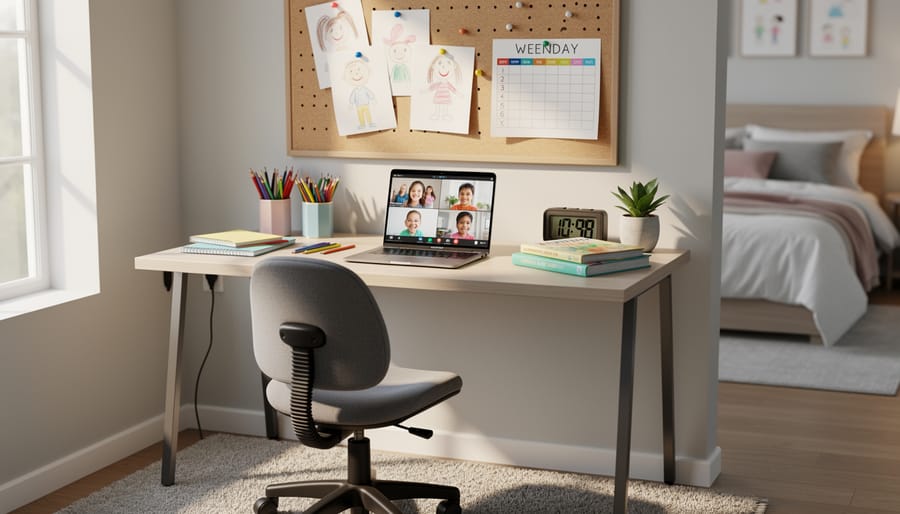
When Sarah moved her daughter’s virtual classroom from the kitchen table to a converted coat closet, she didn’t expect it to be a game-changer. But having a consistent spot, even a tiny one, made mornings smoother and kept school supplies from migrating around the house.
You don’t need a spare room to create an effective learning zone. A corner of the living room, a section of a shared bedroom, or even that awkward nook under the stairs can work. What matters most is consistency. When kids sit in the same place for school each day, their brains start associating that spot with focus and learning.
Start with the basics: a stable surface at the right height, a comfortable chair, and decent lighting. Natural light helps, but a good desk lamp beats overhead fluorescents any day. Keep school supplies in a caddy or basket so everything’s within reach and doesn’t spill into family areas.
Managing distractions gets trickier in small spaces. Noise-canceling headphones help when siblings are home. If multiple kids need learning zones, try creating visual boundaries with bookshelves, curtains, or even colorful tape on the floor. One parent used tension rods and fabric panels to divide a shared bedroom into two distinct school spaces, no construction required.
2. Building a Visual Schedule That Actually Gets Used
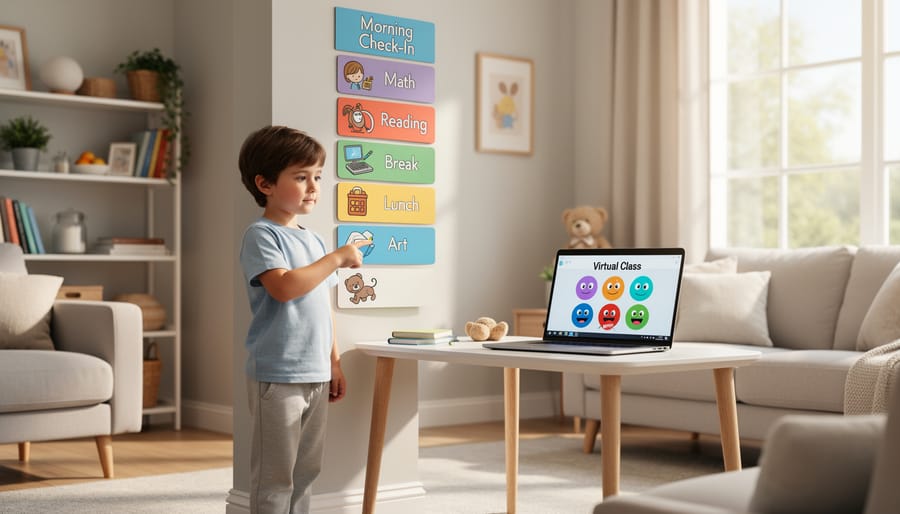
The difference between a schedule that sits ignored on the wall and one your kids actually check? Letting them build it with you.
Start with a simple grid, time blocks on one side, activities on the other. For elementary kids, use pictures alongside words: a laptop icon for virtual class, an apple for snack time, a book for independent reading. Middle and high schoolers respond better to color-coding by subject, with their input on which colors feel right. One mom shared how her seventh-grader chose neon green for math “because it’s intense” and pale blue for English “because it’s chill.”
The secret is making the schedule reflect reality, not aspiration. If your child needs a 10-minute wiggle break between classes, put it on there. If Wednesday afternoons always feel harder, build in extra downtime. Use sticky notes or dry-erase markers so the schedule can flex when assignments pile up or tech issues eat into class time.
Place the schedule at eye level where your child actually works, not across the room. Some families swear by laminated paper clipped to a clipboard; others prefer a whiteboard they can update weekly. The format matters less than whether your child can glance at it and know what’s next without asking you seventeen times.
3. The ‘Tech Check’ Morning Routine
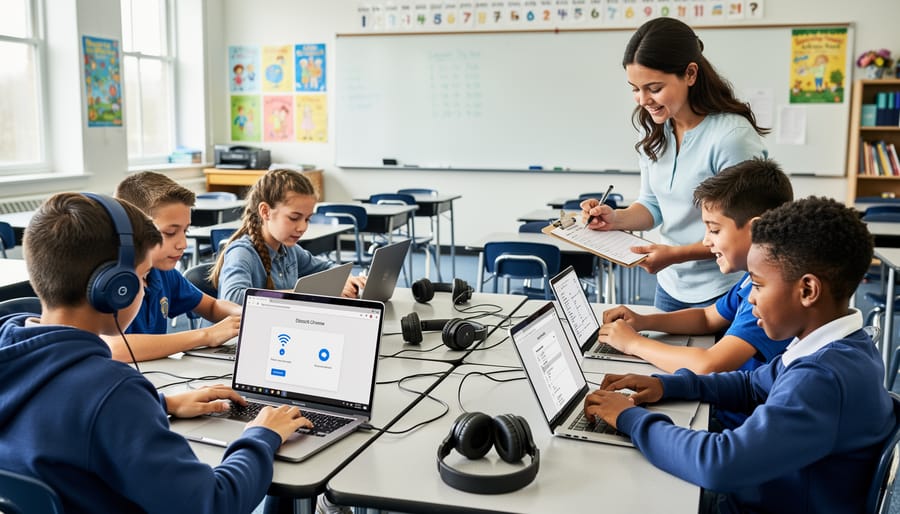
Nothing derails a virtual school morning faster than discovering five minutes into class that the computer’s dead or the microphone sounds like you’re underwater. We learned this the hard way, multiple times, before finally creating what we now call our “Tech Check” morning routine.
The concept is simple: fifteen minutes before the first class starts, run through the basics. One mom in our community compared it to a pilot’s pre-flight checklist, and honestly, that’s not far off. You’re not being paranoid; you’re being practical.
Here’s what we check every single morning:
- Device battery at 100% or plugged in securely
- Internet connection stable (run a quick speed test if needed)
- Camera working and positioned correctly
- Microphone functional and not muted
- Headphones charged if your child uses them
- Backup device identified and accessible
The backup plan piece matters more than you’d think. We keep a charged tablet nearby and have the school app installed on both devices. When our primary laptop froze mid-quiz last March, my daughter switched to the tablet within two minutes instead of missing the entire assessment.
Start this routine a week before school begins so it becomes automatic. Kids can do most of these checks themselves by second or third grade, which builds their independence and problem-solving skills. My son’s teacher actually commented that he’s one of the few students who consistently shows up ready, and I credit this simple morning habit.
4. Strategic Break Times for Focus and Sanity

The breaks aren’t optional, they’re what keep virtual learning from turning into a daily battle. One mom told me she finally figured this out when her third-grader started crying before every afternoon session. The fix? Ten-minute movement breaks between each class, not just a quick bathroom dash.
For elementary kids, breaks need to be physical. Think jumping jacks, dancing to one song, or racing around the backyard. Short bursts work better than long breaks where they get absorbed in play and resist coming back. Set a timer, make it consistent.
Middle and high schoolers need different break architecture. They’re handling longer class blocks, so incorporate true screen breaks, looking out a window, stretching, grabbing a snack, not switching from Zoom to TikTok. One parent schedules a ten-minute walk between morning and afternoon sessions, which her teen initially resisted but now guards fiercely.
Snack timing matters more than you’d think. Keep grab-and-go options ready so kids aren’t raiding the kitchen mid-lesson. Protein and water beat sugary quick fixes.
The pattern we heard most: structured short breaks work better than fewer long ones. Build them into the schedule visibly so kids know they’re coming, not something to negotiate every hour.
5. The Communication Loop with Teachers

The teacher communication dance got tricky when I couldn’t just catch someone at pickup. I learned that fewer, better-timed messages beat a constant stream of questions.
Start the year by asking each teacher their preferred contact method and response window. Some check email twice daily, others prefer a weekly message through the school platform. Respecting these boundaries builds goodwill you’ll need later.
For routine updates, batch your questions. Instead of five separate messages about homework confusion, send one organized email at week’s end covering multiple items. Teachers appreciate the efficiency.
Reach out immediately for tech issues preventing class access, concerning behavior changes, or serious academic confusion. Wait 24 hours before contacting about a frustrating assignment or a bad grade. Sometimes kids just need to vent, and the problem resolves itself.
When you do need to raise a concern, lead with what you’ve already tried: “Maya’s struggling with the math concepts. We’ve rewatched the lesson video and tried the practice problems, but she’s still stuck on fractions. Could we schedule a brief call to clarify?”
Set a standing monthly check-in if your child needs extra support. This predictable rhythm means you’re not always reaching out in crisis mode, and teachers can prepare meaningful updates rather than firing off quick responses between classes.
6. Social Connection Opportunities Outside Class
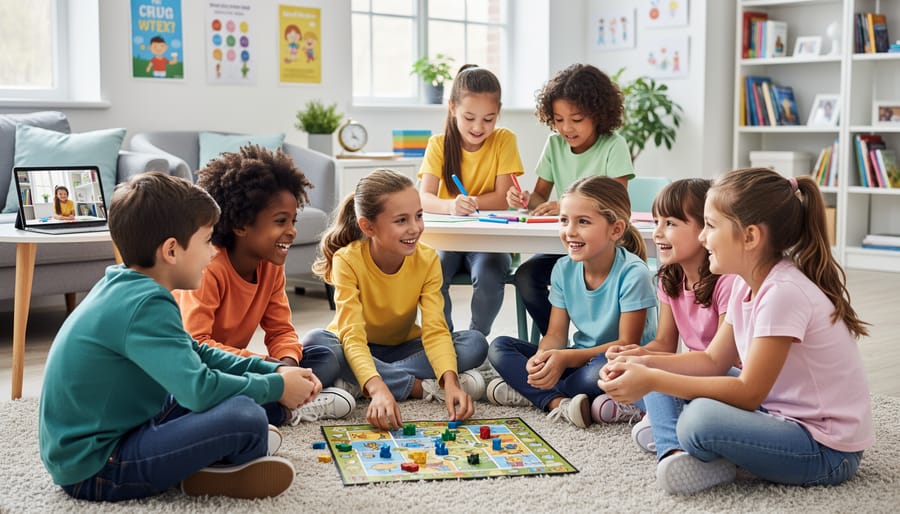
The isolation piece hit harder than any tech glitch for most families. When your middle schooler hasn’t seen a friend face-to-face in weeks, all the academic success in the world doesn’t ease that ache.
The families who tackled this best treated social time like a required subject, scheduled, protected, and non-negotiable. One mom shared how she organized weekly outdoor “recess meetups” at a local park with three other virtual-learning families, rotating who brought snacks. The kids ran around for an hour while parents caught up, sharing everything from platform troubleshooting to sleep-deprivation strategies.
Virtual hangouts worked better when they had structure beyond just screen time. Families formed online book clubs, Minecraft build sessions with specific projects, or FaceTime homework co-working sessions where kids worked independently but together. The key was regular scheduling, Tuesday afternoons became sacred friend time, not something squeezed in when convenient.
For younger kids, parallel-play virtual playdates worked surprisingly well: both families set up art supplies, then video-called while creating together. Older students responded better to interest-based connections, joining virtual debate teams, gaming groups, or participating in online hobby communities that matched their passions.
The breakthrough came from accepting that pandemic-era friendships might look different but still counted as real connection.
7. Setting Realistic Expectations (for Kids and Yourself)

The hardest lesson many parents learned this year? Some days, success means everyone made it through without tears, and that’s genuinely enough.
Virtual learning doesn’t look like traditional school, so stop measuring it that way. One mom shared how she spent weeks frustrated that her third-grader wasn’t completing every assignment perfectly, until she realized he was actually learning, just messily. When she adjusted her definition of a “good day” from “everything finished” to “he engaged and tried,” everyone’s stress dropped dramatically.
Start by separating what’s truly essential from what’s nice-to-have. Does every worksheet need to be flawless, or is understanding the concept what matters? Can your middle schooler skip one optional assignment to prevent a meltdown that derails the rest of the day? You’re not lowering standards, you’re being strategic about where to focus energy.
Celebrate weird wins: your kindergartener stayed on camera for twenty minutes, your seventh-grader asked a question in chat, your teen finished a project without being reminded. These small victories matter more than perfect attendance or pristine notebooks.
And yes, some days you’ll end up doing school at 7 p.m. in pajamas because the morning was a disaster. Virtual learning gives you that flexibility, use it without guilt. Progress isn’t linear, and your family’s version of success is the only one that counts.
8. Creating End-of-Day Transition Rituals
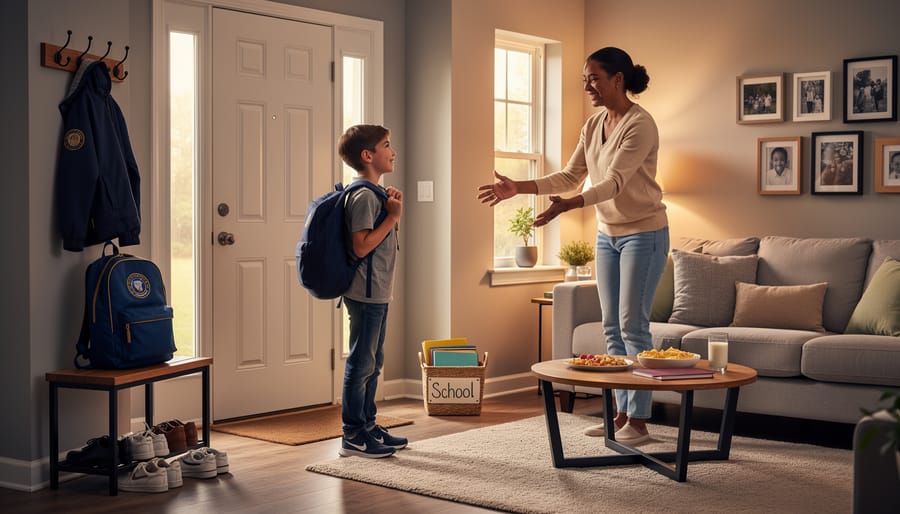
When school and home occupy the same space, your kids need a clear signal that the learning day has ended. Without that boundary, screen fatigue bleeds into evening hours and everyone stays stuck in school mode.
The most effective transition we heard about came from a mom who instituted “school’s out” rituals borrowed from traditional classroom endings. Her kids physically close laptops, pack away materials into a designated bin, then do something tangible, ring a small bell, flip a sign on the door, or change out of “school clothes” into play clothes. These physical acts signal completion in a way that simply closing a browser tab never could.
Movement matters here. After hours of screen time, bodies need activity before brains can truly shift gears. Some families do a quick walk around the block, dance to one song, or shoot baskets for ten minutes. Others found success with a dedicated “decompression corner” stocked with fidget toys, coloring supplies, or building blocks, anything tactile and non-digital.
The transition challenge grows when working parents juggle their own schedules. If you’re managing work-from-home alongside virtual school, consider whether childcare benefit options or backup child care programs could cover those final hours when supervision feels impossible. Having a day care checklist ready helps if you need emergency support.
The goal isn’t perfection, it’s creating a ritual your family actually follows that marks school as finished, not lingering.
Your Virtual Learning Questions Answered
Managing virtual learning raises practical questions that don’t always have obvious answers. Here’s what other parents have found helpful when navigating these common challenges.
How do I manage multiple kids on different virtual school schedules?
Use a master family calendar where everyone can see who needs what and when. Color-code by child, set phone alerts for key transitions, and designate one parent as “point person” for each child’s major activities to prevent double-booking yourself.
What should I do when tech issues happen during live class?
Have a backup plan ready, mobile hotspot, neighbor’s wifi password, or offline assignments your child can work on while you troubleshoot. Email the teacher immediately with a simple “tech issue, rejoining soon” message so they know what’s happening.
When should I step in to help versus letting them figure it out?
Step in for tech problems, navigating new platforms, or when frustration is escalating to tears. Let them struggle with content questions, finding assignments in their portal, or managing their materials, those build independence.
How can I balance work-from-home demands with supervising virtual school?
Block your calendar during your youngest child’s live class times, communicate your availability clearly to your employer, and accept that some days you’ll prioritize work while other days school needs come first. Perfection isn’t possible, but honest communication with your boss helps.
These situations will keep popping up throughout the year. The parents who handle them best are the ones who’ve thought through their approach ahead of time, built in flexibility, and given themselves permission to adjust as needed. Your system doesn’t have to be perfect, it just has to work for your family’s reality.
The Big Picture on Virtual Learning Success
Here’s the truth about virtual learning: there’s no universal playbook that guarantees success for every family. What transformed mornings for one household might feel completely wrong for yours, and that’s perfectly okay. The strategies we’ve shared aren’t meant to be followed rigidly, they’re starting points for you to test, tweak, and make your own.
This year taught us that flexibility matters more than perfection. Maybe you’ll discover that your middle schooler needs breaks every 45 minutes instead of hourly, or that your family thrives with a looser schedule on Fridays. Pay attention to what actually reduces stress in your home, not what sounds good on paper.
We’d love to hear what’s working in your world. Drop a comment sharing your own virtual learning wins, challenges, or creative solutions. Your experience might be exactly what another parent needs to hear today.